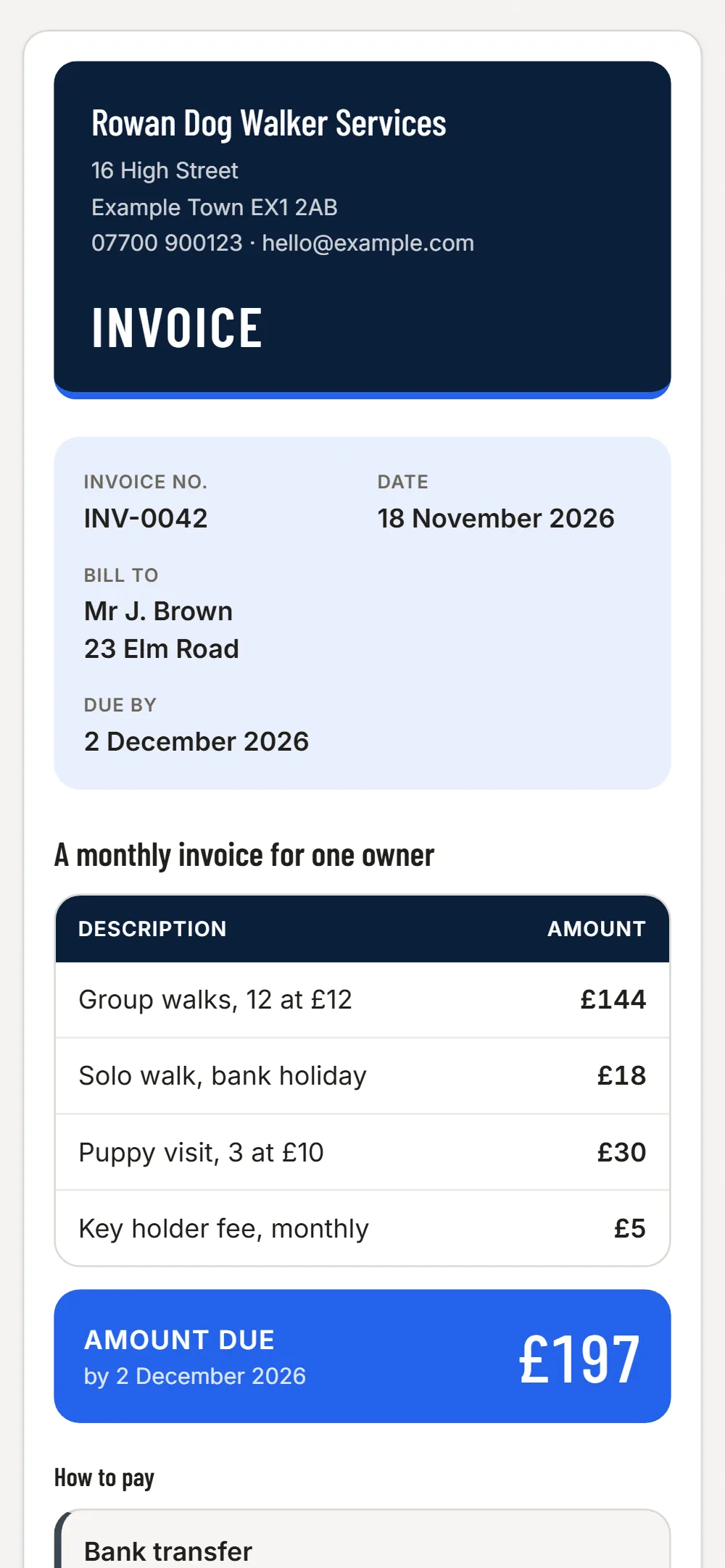

One invoice a month, not forty texts
Group the month’s walks into lines - for example "10 group walks at £12" and "2 solo walks" - so the owner gets one clear total and you stop messaging after every walk.
Holiday cover and extras
Add a puppy visit, a longer walk or a holiday day as its own line. The invoice shows what was extra and why the total moved.
Who is late
The list shows each invoice as paid, waiting or overdue. A reminder is one tap, so an easy "just checking" replaces a conversation you avoid.
Treats, leads and mileage
Photograph receipts for supplies and fuel and sort them as materials or fuel.
Easy to miss on a dog walker’s invoice
- Walks added at short notice
- Bank holiday or evening rate
- Key holder or lockout fee
- Extra dog in the same household
- Cancellations inside your notice period
- Mileage on a rural round
JobGuard lists items like these under Easy to miss before you send the quote.
Write it
Pick the client, type the lines and prices. VAT is added if you are VAT registered.
Send it
A PDF and a link by email. Your client needs no app and no account.
See who has paid
Paid, waiting or overdue in one list, with a reminder in one tap.
Free
No card needed
- Your first 3 invoices
- PDF and a link to your client
- Paid, waiting and overdue in one list
- Automatic reminders for late payers
Invoices £6 a month
Everything in Free, and
- Unlimited invoices, and repeat one in a tap
- Set an invoice to repeat weekly or monthly: a new draft each time, never sent for you
- Choose your look: six colour styles, on screen, PDF and email
- Receipts and costs: photograph a receipt, JobGuard reads it (100 a month), download for your accountant
Free dog walker invoice template · Invoice apps for other trades
Questions
Does it schedule my walks?
No. JobGuard does not do bookings or rotas. It does the invoices, reminders and costs.
Can owners pay by direct debit?
No. Owners pay you the way they do now, for example by bank transfer. JobGuard shows you when an invoice is paid or overdue.