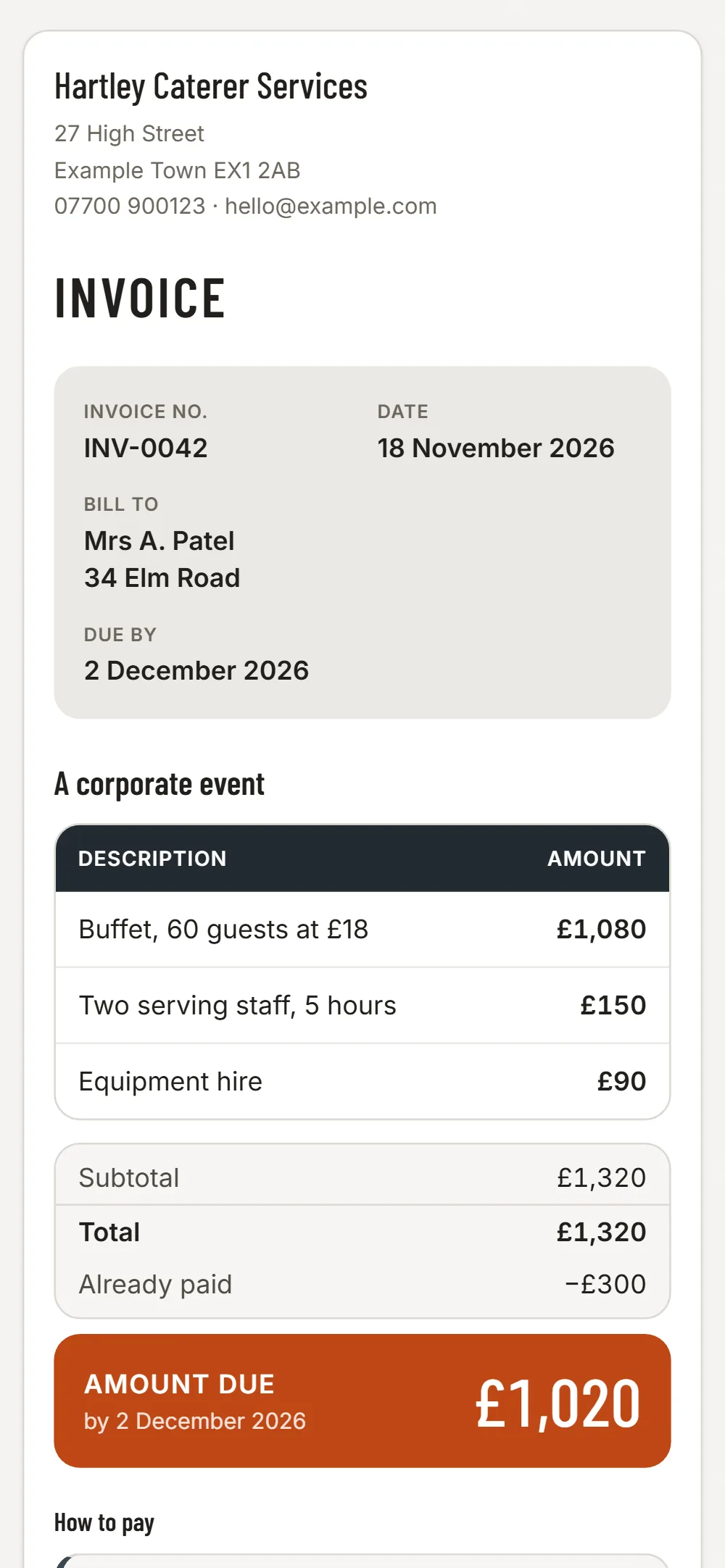

Per head, plus the extras
A buffet for 80 at a price per head, plus staff, plus equipment hire, is three lines. The organiser can see why the total moved when the numbers changed the week before.
Deposits and corporate accounts
Weddings and company events need a deposit to hold the date, and companies pay against an invoice number. Send the deposit invoice first and the balance after.
Ingredient and van receipts
Wholesalers, market stalls and fuel add up quickly. Photograph each receipt and JobGuard reads the shop, date and total.
Late-paying organisers
The overdue list shows who still owes you. A reminder goes in one tap, with the invoice link.
Easy to miss on a caterer’s invoice
- Final headcount versus the first estimate
- Staff, waiting and clearing up
- Equipment, crockery and marquee hire
- Delivery and travel
- Dietary options priced separately
- The deposit already paid
JobGuard lists items like these under Easy to miss before you send the quote.
Write it
Pick the client, type the lines and prices. VAT is added if you are VAT registered.
Send it
A PDF and a link by email. Your client needs no app and no account.
See who has paid
Paid, waiting or overdue in one list, with a reminder in one tap.
Free
No card needed
- Your first 3 invoices
- PDF and a link to your client
- Paid, waiting and overdue in one list
- Automatic reminders for late payers
Invoices £6 a month
Everything in Free, and
- Unlimited invoices, and repeat one in a tap
- Set an invoice to repeat weekly or monthly: a new draft each time, never sent for you
- Choose your look: six colour styles, on screen, PDF and email
- Receipts and costs: photograph a receipt, JobGuard reads it (100 a month), download for your accountant
Free caterer invoice template · Invoice apps for other trades
Questions
Does it handle event bookings or payments by card?
No. JobGuard does not take bookings or card payments. It sends invoices and tracks paid or overdue.
Can I invoice per head?
Yes. Write the headcount in the line, for example 80 heads at £18, and enter the line total next to it.