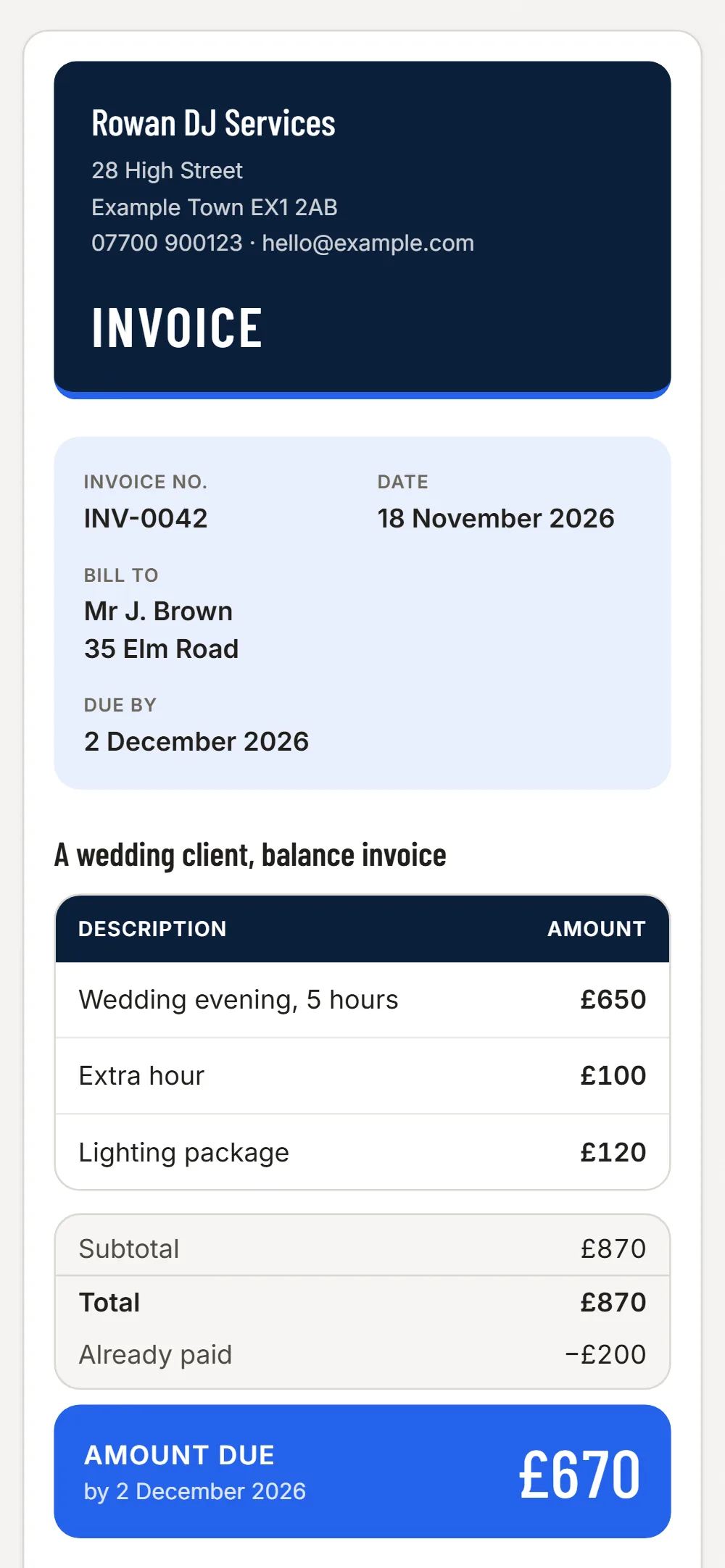

Deposit holds the date
A deposit invoice sent when the date is agreed is clear in writing and shows as paid or waiting. The balance invoice follows after the event.
Extra hours and extras
Extra hours, a second speaker or a light rig are separate lines, so a late finish at the venue is paid for, not absorbed.
Venues and agencies
Venues and agencies pay against an invoice with a number. Save them as a client and invoice every booking in a minute.
Kit, fuel and parking
Photograph receipts for kit, cables, fuel and parking and sort them as tools, fuel or other.
Easy to miss on a DJ’s invoice
- Extra hours past the agreed finish
- Travel to a distant venue
- Lighting, a second speaker or a booth
- Setup and sound-check time
- Parking and venue access fees
- The deposit already paid
JobGuard lists items like these under Easy to miss before you send the quote.
Write it
Pick the client, type the lines and prices. VAT is added if you are VAT registered.
Send it
A PDF and a link by email. Your client needs no app and no account.
See who has paid
Paid, waiting or overdue in one list, with a reminder in one tap.
Free
No card needed
- Your first 3 invoices
- PDF and a link to your client
- Paid, waiting and overdue in one list
- Automatic reminders for late payers
Invoices £6 a month
Everything in Free, and
- Unlimited invoices, and repeat one in a tap
- Set an invoice to repeat weekly or monthly: a new draft each time, never sent for you
- Choose your look: six colour styles, on screen, PDF and email
- Receipts and costs: photograph a receipt, JobGuard reads it (100 a month), download for your accountant
Questions
Does it take bookings?
No. JobGuard does not take bookings or card payments. It does invoices, reminders and costs.
Can I invoice a venue every month?
Yes. Save the venue as a client and send one invoice per booking or per month.